
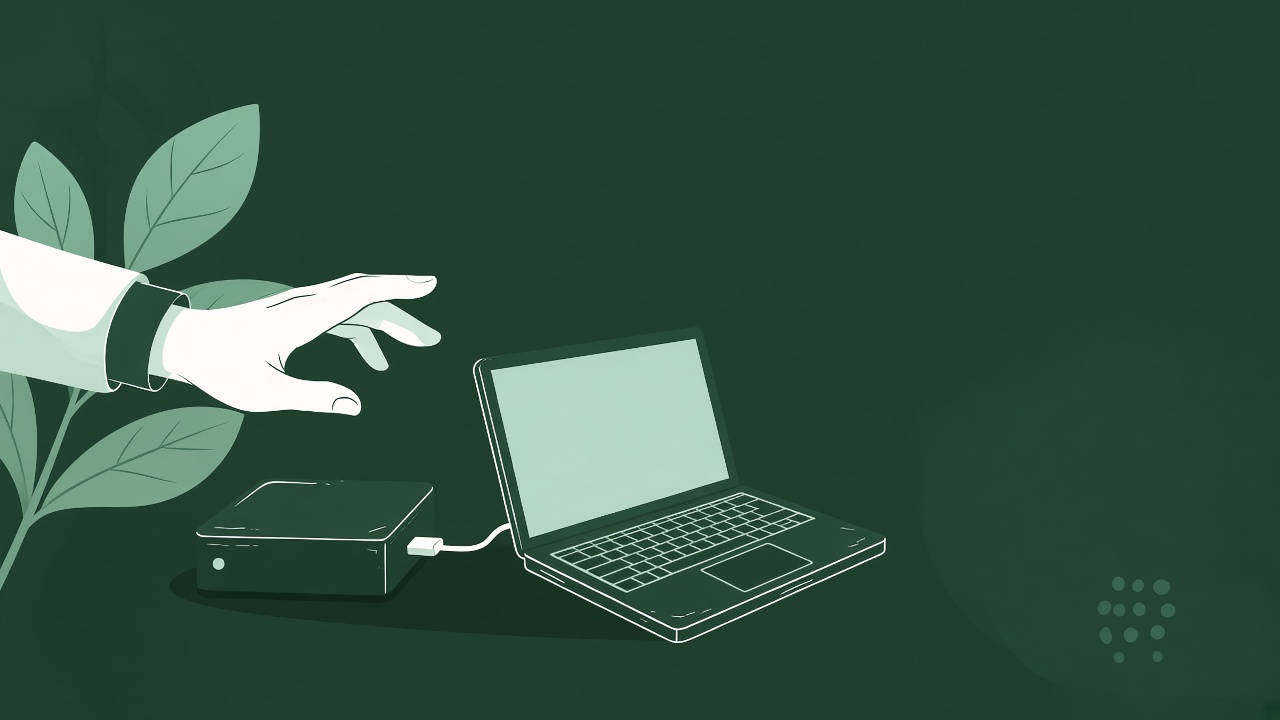
Every business has them: the external drive in a drawer, the laptop from someone who left, the old server that was replaced but never thrown away. The instinct is to wipe them and get rid of them. It’s worth pausing first.
They’re often the only copy
Older records frequently never made it to the cloud. Drawings, quotes, job files and email archives from earlier years may exist only on hardware nobody has switched on for a while.
Why that matters now
AI developers want real records of how work was done, and older material can be as useful as recent work. A drive that looks like clutter could hold years of exactly that.
Before you wipe anything
- Label each device with where it came from and roughly what years it covers
- Store it somewhere dry and secure rather than throwing it away
- If it still works, make a copy before anything else happens to it
- Keep folder structures as they are; the links between files matter
- Note anything containing HR, payroll or other personal records so it can be handled separately
Security still comes first
When a device really is leaving the business, it should be wiped securely. The point is only to decide what’s on it before that happens.
Not sure what’s on them?
A rough description is enough to start. Tell us what the business did and roughly what the drives hold, and we’ll give you a free first look.
See also closing down? Don’t wipe the server yet.
Questions about a particular archive? Email [email protected] or tell us what you’ve got.
Got records you think might be worth something? A short description is enough for a free first look.